FieldPass HQ

Baseball and softball

Know the fields, the umpires, and this week's games.

Free youth baseball and softball league scheduling. Families open this week's schedule without an account. No ads, and no per-payment fee.

Free includes the schedule, the public page, and no ads. Free holds 12 teams, 4 fields, and 25 umpires or workers.

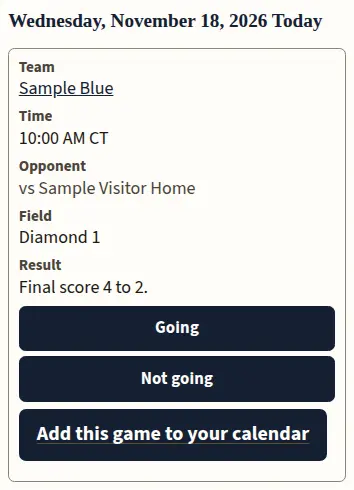
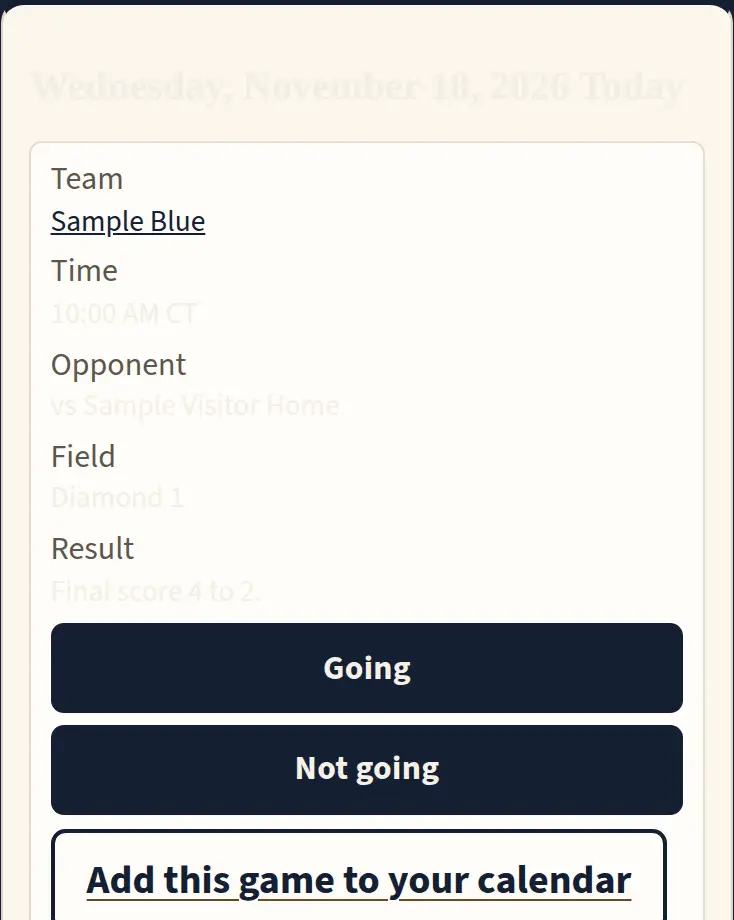
Sample Desk League on a phone. Sample Blue versus Sample Visitor, 10:00 AM, Diamond 1, final 4 to 2.
Sample Desk League. Not a live league. 4 games. 1 still needs an umpire. Sample Blue vs Sample Red. Sample Umpire. Open this sample week

Organize your schedule, field assignments, and umpires in one place. See what still needs attention, handle schedule changes, and share the schedule coaches and families need.

What a family opens

These pictures are the sample week. They are not a live league.

Sample Desk League week. Sample Red versus Sample Blue at 6:00 PM on Diamond 1, with Sample Umpire on the plate.
Open this sample week
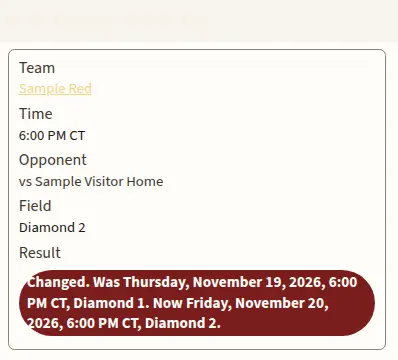
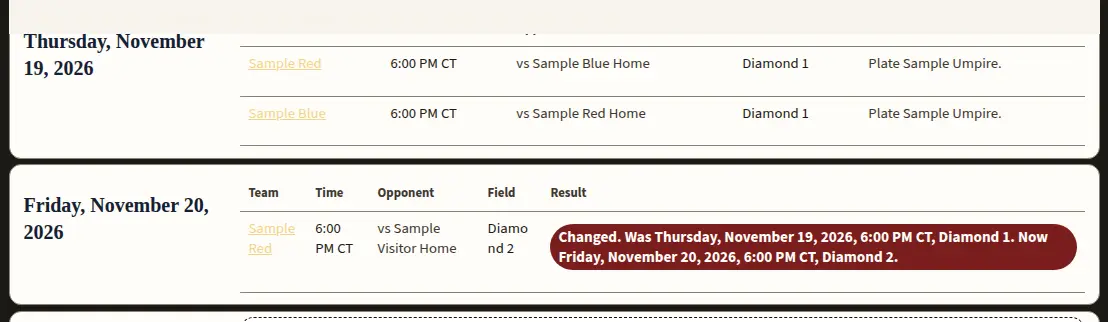
Sample Red versus Sample Visitor. Changed. Was Thursday, 6:00 PM, Diamond 1. Now Friday, 6:00 PM, Diamond 2.
A moved game says Changed, with the old time and the new time.

The same week, on the sample page

Open this sample week

What you get

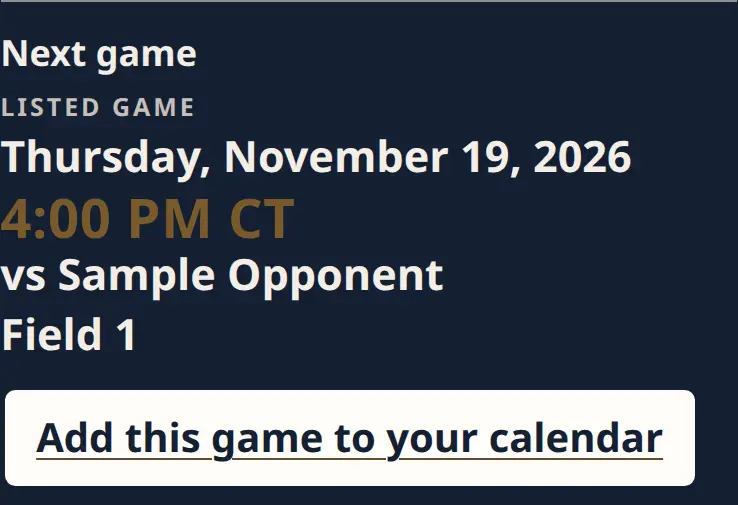
This week's games: fields, umpires, and a public page a family can open.

  • No ads on the public page.
  • Free holds a real small league: 12 teams, 4 fields, and 25 umpires or workers.
  • No per-payment fee.
  • Families open the schedule without an account.

See what stays free

How FieldPass works

  1. 1 Start a league if many teams share fields. For a league, choose League.
  2. 2 FieldPass opens your league week. Add a field, an age group, and the team names.
  3. 3 Post the schedule. Families open the link without an account.

Who this is for

What you can see

Sample Red and Sample Blue on Diamond 1 at 6:00 PM.

Spot field-booking conflicts

Two games on the same field at the same time show up together, so you can move one.

Sample Red game card with Changed on the result.

See when a game changed

The card says Changed, then the old time and the new time. Workers stay separate from umpires.

Sample Blue final 4 to 2 on the phone schedule, with a calendar link.

Share schedules and results

Families open this week, the standings, the finals, and a calendar file. A game that is called off stays on the page.

Public leagues

How to start

How FieldPass works

  1. Pick what you are running. Start a league if many teams share fields. A single team is a roster and a schedule. A club is several age groups. A school is sports and levels. A tournament is one event.
  2. For a league, choose League. FieldPass opens your league week. A division is a group such as 12U. A field is a diamond.
  3. Post schedule. Families open the link without an account. Find a team.
  4. A round robin can be previewed, then saved.

Getting started

  1. Sign in, or create an account. An account is free.
  2. Open What are you running? For a league, choose League. FieldPass opens your league week.
  3. Create a team for that league.
  4. Add the first game, or preview a round robin. Fields and divisions are on Setup. Umpires can wait. Add a club still opens the same form.

One team is a separate start. Create a team makes one public team page.

See examples

Example team pages

These pages are examples. They are not a live league.

League week

Open your league week

Choose League. The next page asks for the league name. Add a club and choose League still opens that form. A round robin can be previewed, then saved.

It does not register players, take payments, or run football or soccer.